Casebook Special Edition Trilogy Review
Introduction 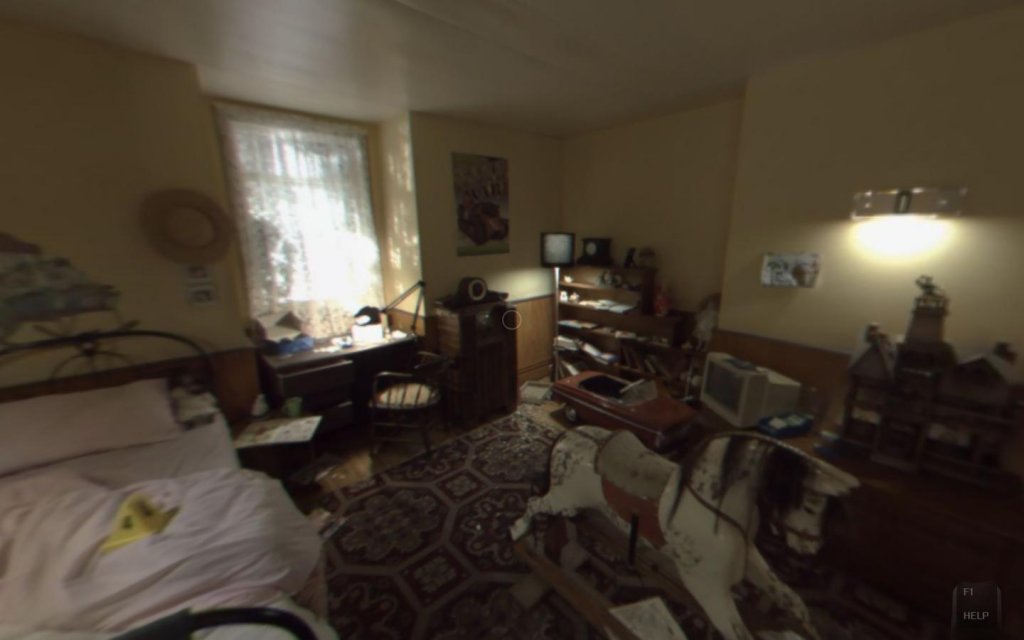 Every crime scene tells a story. It can be in a shred of fabric, a drop of blood, or a simple footprint. Connecting the dots and finding the truth is never easy. Every detail is important. Nothing can be overlooked. It takes a keen eye to see past the mundane and reveal the vital clues. It is a good thing you do not have to do it all on your own. As you carefully scan every corner of a crime scene, your partner Detective Burton handles the interrogations. The lab technicians Pete and Anja help you analyze samples. As a team, you can solve any case and track down any criminal. It is time to grab your camera and start searching for evidence. Welcome to Casebook. Developed by Areo, Casebook is an episodic adventure game series featuring photorealistic environments and full-motion video (FMV) clips. The first episode of the series, called Kidnapped, was released in 2008. Since then, Areo has added two more chapters to the Casebook saga. As development continues on the fourth chapter, the first three episodes are now available as a special edition trilogy pack. Episode I – Kidnapped The series opens with a kidnapping case. The two Birchermann children, Harry and Greta, have been taken from their home in the middle of the night. The kidnapper is demanding a hefty ransom. You start surveying the crime scene, looking for connections. Who could be responsible for this? The children’s father, Larson Birchermann, is the chairman of Slade Forestry. Could it be the work of a competitor? Is it a disgruntled former employee? 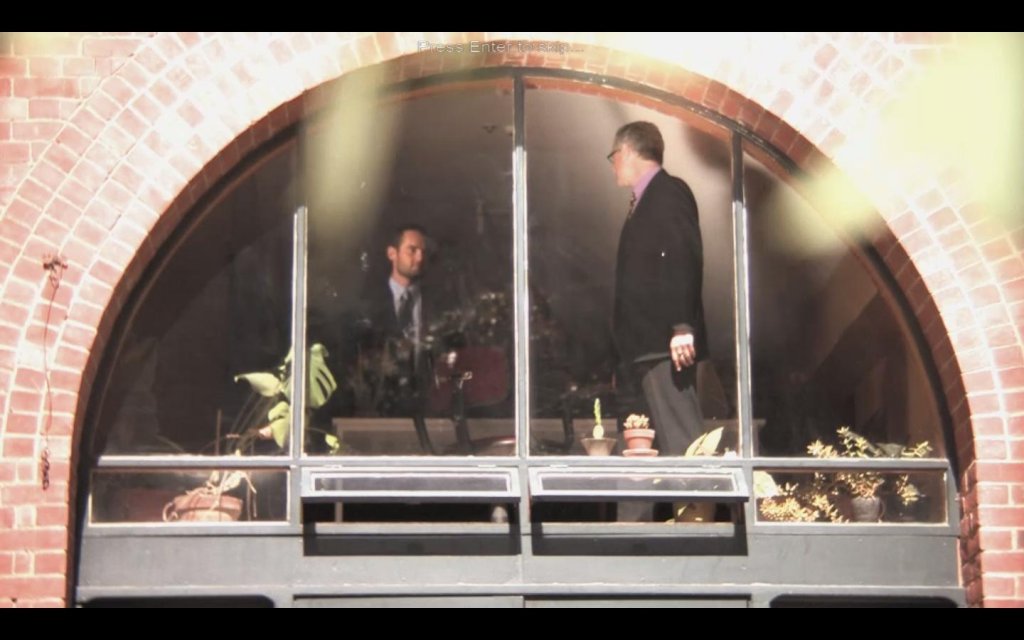 As you delve deeper into the case, you realize neither Larson nor his wife Sylvia appear to be telling the whole truth. What are they holding back when their children are missing? It’ll be up to you and Detective Burton to unravel the mystery. Harry and Greta’s lives depend on it. The first episode of Casebook tells a compelling story. The investigation takes you to four different crime scenes. What starts out as a straightforward kidnapping case turns into something more elaborate. It may not be terribly difficult to predict the ending by the time you are a little more than halfway through the episode. However, ‘Kidnapped’ still delivers an enjoyable introduction to Casebook. Episode II – The Watcher The second episode begins with a gripping video of a young man falling off an apartment building. You arrive at the scene early in the morning, Detective Burton at your side. You find out that the young man was an Egyptologist called Francis Salt. He was living alone. Many of the neighbors didn’t even know his name. Francis stopped working several weeks ago. Nobody knows why he went on leave. At a cursory glance, suicide seems plausible. The reclusive young man certainly fits the profile, but did he really kill himself? Could someone have pushed him out of the window? Who would want Francis dead? You walk into Mr. Salt’s apartment to discover a camcorder sitting next to a window. Evidently, Francis had a habit of watching his neighbors. Memory cards scattered throughout the apartment are full of cryptic recordings. In the meantime, Detective Burton questions the rest of the tenants. They seem a little too eccentric. Perhaps it is not a coincidence this building used to be a psychiatric hospital. It is clear that there is more to the story. You’ll have to let the evidence guide you. 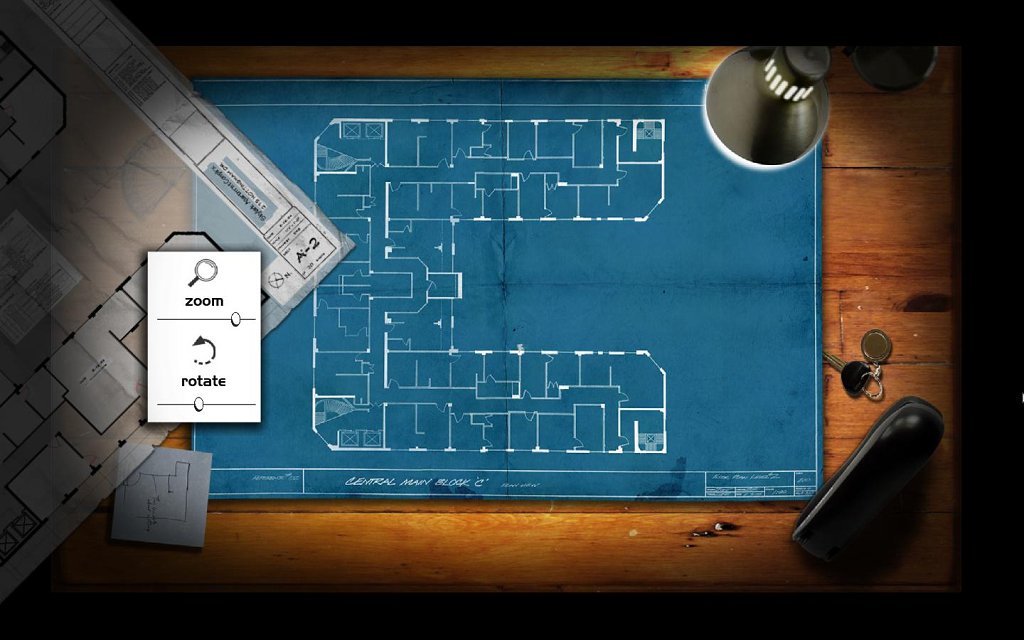 The second episode of Casebook delivers three new crime scenes to explore. The central plot involving Mr. Salt’s death is rather intriguing. Between the quirky tenants and Francis’s strange videos, the story remains engaging throughout the episode. It is a good thing episode III is included in the special edition package, because ‘The Watcher’ does have something of a cliffhanger ending. While the investigation about Francis is completed, one portion of the storyline directly ties into Episode III. Episode III – Snake in the Grass The third episode has you and Detective Burton operating outside your jurisdiction. You follow the trail of a mastermind to a small town called Garden. A man has been brutally murdered inside the town’s chapel. The police have already arrested a young man who confessed to the crime. The evidence appears to confirm the confession. Yet Burton is convinced there is more to the story. Is your partner simply blinded by his unfinished business from the previous case? Can you trust his instincts? ‘Snake in the Grass’ provides a conclusion to the storyline from the second episode of Casebook. Working outside your jurisdiction zone changes the tone of the adventure. Burton’s obsession with the case makes you doubt your partner’s motivations. Episode III also sets the course for the next chapter in the Casebook saga. As with episode II, your primary investigation will be completed, but the conclusion of ‘Snake in the Grass’ does give you a couple of reasons to come back for the next installment. The Trilogy 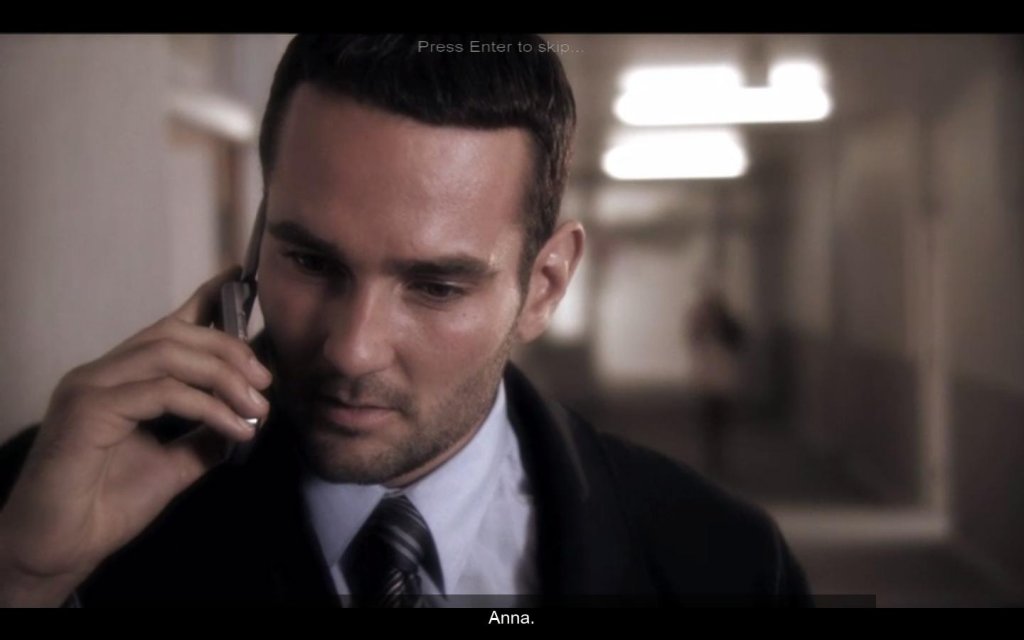 Viewed as a whole, the first three episodes of Casebook deliver a significant amount of content and an enjoyable gaming experience. The fundamental game mechanics do not change between the episodes. However, the compelling storylines, interesting characters, and the addictive nature of hunting for evidence make the trilogy well worth your attention. Each episode of the game is divided into two segments. First, you search the current crime scene for objects that might be relevant to the investigation. You move around the scene by turning toward the desired direction and clicking on the left mouse button. It is also possible to move by using the WASD keys on the keyboard. A right click on the mouse brings up your camera. You use the camera to take pictures of objects that might be used as evidence. A red rectangle appears around objects that may be important for the case. The game displays a message if you are too far or too close to the object you are trying to picture. The mouse wheel is used to zoom in and out, bringing the item to focus. A single left click takes a picture. The camera holds up to eight pictures at a time. Once you have one or more pictures to analyze, you can leave the scene and go to the ‘crime van.’ The van has a computer that can be used to upload your pictures. As you upload photographs, Detective Burton or one of the lab technicians will comment on them. Some of your pictures will not be relevant to the case and get discarded. Others will be saved as evidence. Sometimes, the object you photographed will require further analysis. For instance, you might need to powder a doorknob to reveal fingerprints or you may need to centrifuge a chemical to determine its components. This type of analysis is performed through mini-games. 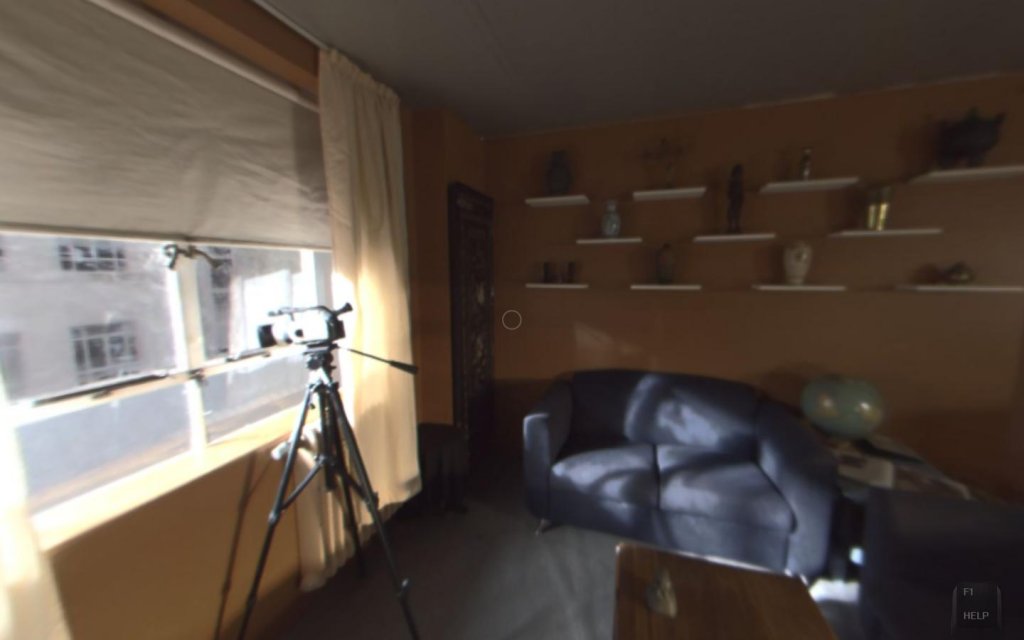 For the most part, the mini-games are rather simple. Your task might be as easy as moving the mouse in a circular pattern to make the centrifuge machine work. There are also games designed for identifying fingerprints, separating chromosomes in a DNA sample, and restoring videos. All of these puzzles represent some form of evidence analysis. They are easy, but at least they feel appropriate for a game where you play as a crime scene investigator. You will not find any random slider puzzles or weird contraptions keeping doors locked for no apparent reason. However, by the time you complete the three episodes, you may find yourself yearning for a little more variety and complexity in the mini-games. The straightforward puzzles start to feel a little redundant. After all, there are only so many times you can have fun as you watch the chemicals in a test tube boil or click on three buttons to extract DNA from a cell. Fortunately, the mini-games are not the focus of Casebook. Given the game’s strong storylines and distinct process for gathering evidence, the somewhat tedious puzzles do not significantly detract from the experience. When you upload all of your pictures and finish the appropriate mini-games, you can go to your ‘evidence folder’ to look for connections. The folder provides a picture of all the individuals associated with your investigation at the top. You can click on these pictures to see a brief description of the character. The main portion of the folder contains all the evidence you accumulated from taking photographs and conducting lab tests. The clues are sorted based on the crime scene where you obtained them. There is a separate tab for each scene. You can select each piece of evidence and drag it on top of another clue. If it is possible to make some kind of connection between the two items, they become linked. For instance, if you have a shred of fabric and a piece of clothing, you can try to combine the two items. If the fabric came from the piece of clothing, the items will become linked. The evidence folder also contains a tab for ‘exemplars.’ The exemplars are specimens obtained from the suspects associated with the case. For instance, if you find a fingerprint at the crime scene, Detective Burton may automatically collect samples from the suspects. You can compare the fingerprint you found to the exemplars. This will help you determine if any of the individuals were at the crime scene. 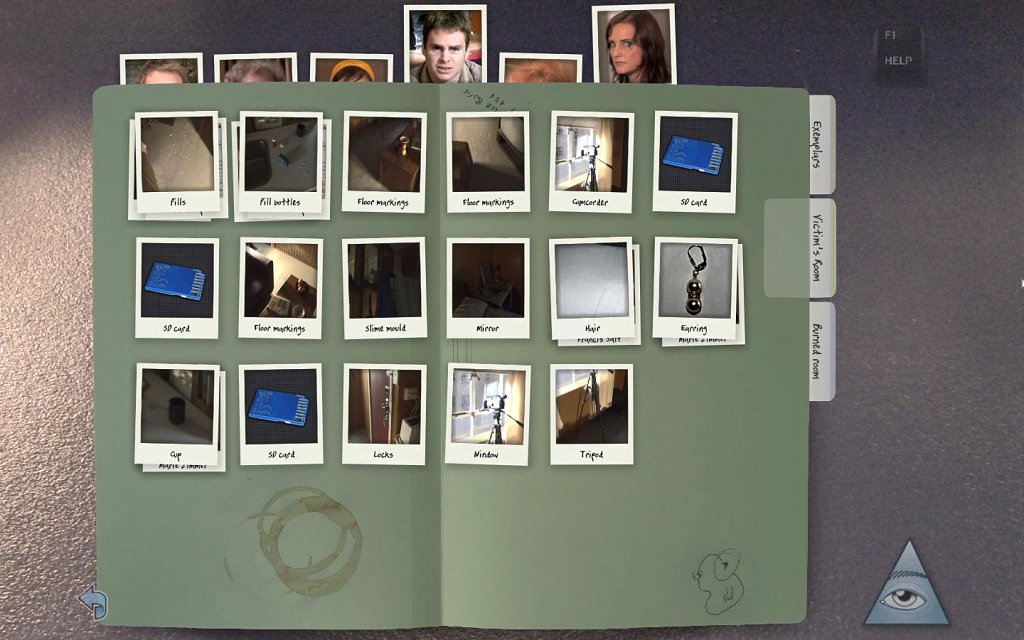 After examining a set of clues in the crime van, you typically need to return to the scene and look for more evidence. Each scene is full of items you can photograph. Not every item is relevant to the investigation, but you may not always know which objects are important until you analyze them in the van. As such, it takes a significant amount of time to search through each room. As you work through the case, hunting for evidence does take on a life of its own. You may find yourself trying hard to find every last important item in each location. The storyline progresses as you take pictures, process photographs on the computer, and make connections using your evidence folder. As you comb through the crime scene, Detective Burton interrogates the suspects. He may ask questions based on the objects you discovered. The game also gives you specific objectives to complete at each scene. For instance, you might be asked to find pieces of trace evidence that links a certain individual to a location. As you complete the objectives, the plot advances through FMV sequences. During the vast majority of these movies, you are merely a spectator. You’ll watch the case unfold as Burton interacts with the other characters. However, at key points in each episode, you will be asked to make decisions. These decisions have some impact in the ultimate outcome of the case. 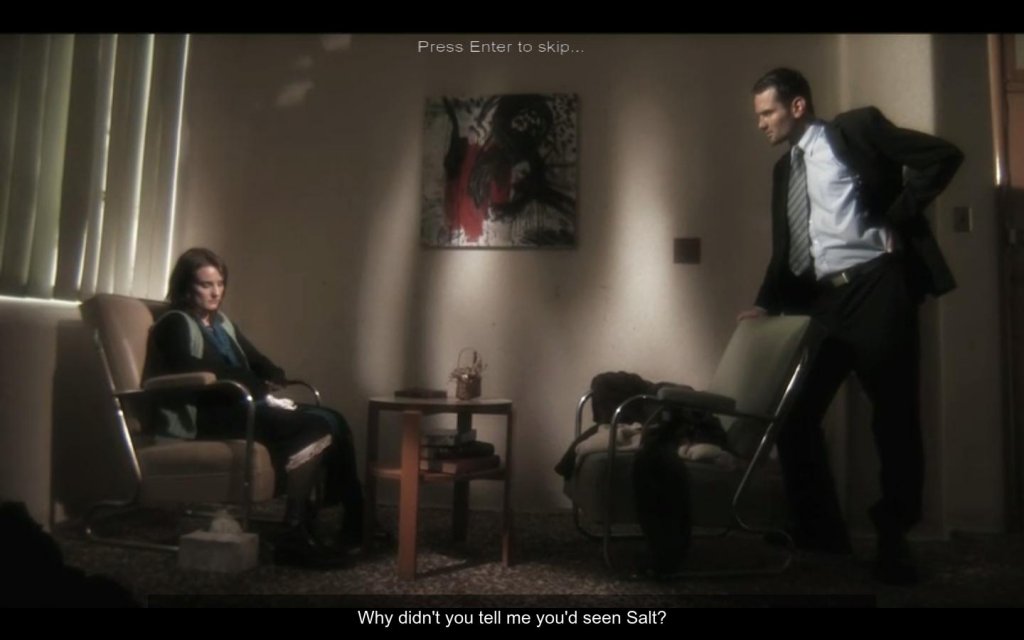 Since the FMV sequences are such a vital part of the Casebook, it is worth noting that the videos are generally very well produced. The scripts feel carefully constructed and the atmosphere is certainly fitting for a crime drama. The characters are often intriguing and the dramatization is consistently believable. In particular, Julian Temple seems well suited for the role of Detective Burton. He is convincing as a rugged cop and a loyal partner. It is clear that a good deal of effort has gone into producing the movies. Watching the storyline develop is enough of a reason to play the game. There are a few spots where the acting may leave something to be desired, but these are rare and do not break the mood. As you complete key portions of the investigation in each episode, Casebook shows you a scorecard. The scorecard indicates how many pieces of evidence you successfully collected and how many mini-games you completed. You receive an overall ranking based on how thoroughly you were able to examine the crime scenes. You can also see your progress at any time by accessing the ‘Stats’ option from the game’s menu. This will help you keep track of the amount of evidence you need to find during the current section of the game. Casebook does have a few features to help with your investigation. While you are visiting a given location, you can hit the ‘I’ button on the keyboard to use your intuition. This will turn you toward an object that is relevant to the case. You can then take out your camera and photograph the item. ‘Intuition’ is also available as an icon on the evidence folder. Clicking on the icon shows you a pair of clues that you should try combining. Finally, you can use a button to skip any of the mini-games. While these options may help you work through the case faster, they all have a negative impact on your score. If you want to achieve the maximum ranking, you’ll have to avoid using them. 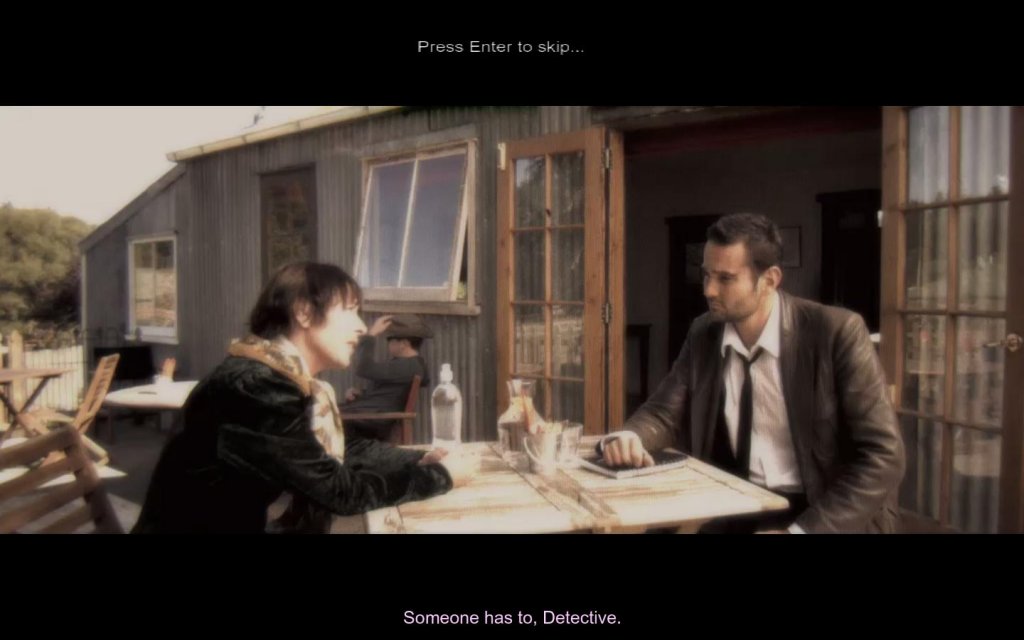 The first three episodes of Casebook deliver a significant amount of content. Playing at a casual pace and occasionally using the intuition feature, you should expect to spend several hours on each episode. The trilogy should take at least twelve to fourteen hours to complete. The episodes have some replay value as well. After completing the cases, you can revisit them to make different decisions and see how the outcome changes. You could also look for any evidence that you missed during your first attempt. Unfortunately, Casebook does not have a save game feature that would make this process more convenient. Each time you take a photograph or analyze a picture, your progress is recorded automatically. You cannot create save files on your own. If you quit the game before completing the episode, you can resume from the last autosave. This was most likely a deliberate design choice to prevent cheating. With a conventional save system, players could use the intuition button and then immediately load a save file. Nevertheless, it would have been nice to have the option to return to specific points in the investigation. Casebook also appears to have some minor stability issues. For instance, there were a couple of times where the game got stuck just as I finished analyzing pictures in the crime van. It was not possible to leave the screen and go back to the crime scene, forcing me to use task manager to terminate the game. Fortunately, this issue was encountered very few times during the three episodes and did not cause significant trouble. 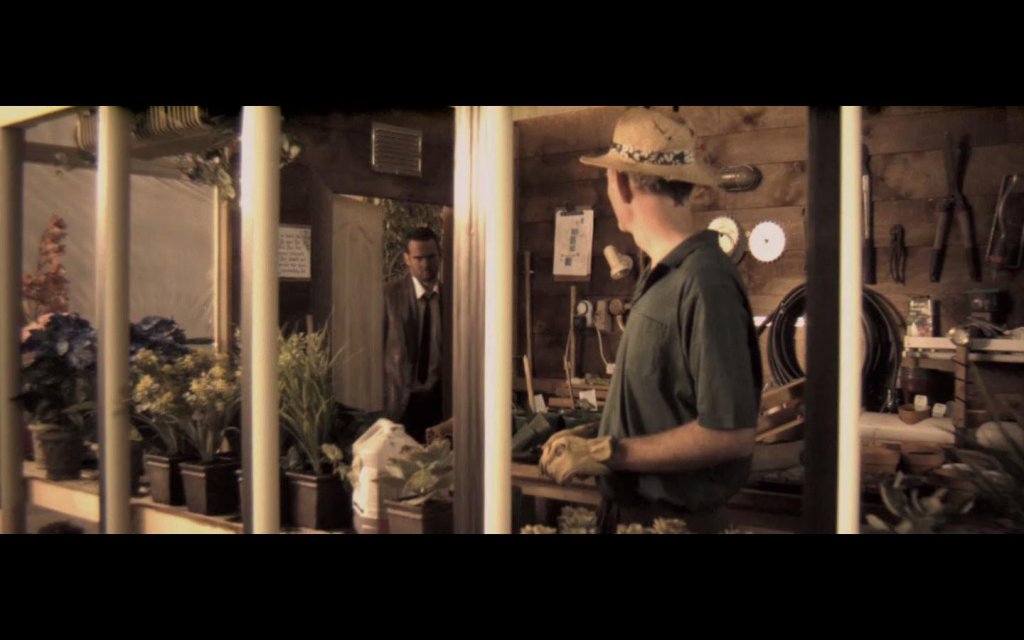 Overall, the first three episodes of Casebook deliver a very distinct and enjoyable gaming experience. The crime scenes are cleverly designed and entertaining to explore. The process of finding clues and making connections is engaging, making you feel involved with the case. The videos are professionally produced and .the storylines are consistently interesting. The mini-games do get tedious and there are a couple of technical glitches, but the problems are relatively easy to overlook. If you like detective stories or FMV adventures, you should certainly consider giving the Casebook trilogy a try. The special edition trilogy delivers a solid amount of content at a reasonable price and offers a good way to catch up on the Casebook saga before episode IV is released. If you are still on the fence based on the review, you can also consider trying Episode 0 of Casebook for free. While the storyline is nowhere near as complex as what is offered in the trilogy, the free episode is a great way to test the game’s core mechanics. It can be downloaded here (http://www.casebookthegame.com/episode-0—free-demo.html)
System Requirements:
|